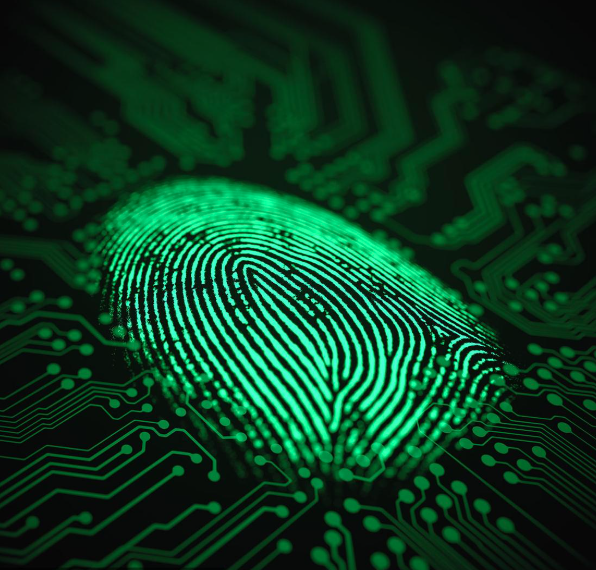
Wireless fingerprint mouse
The Wireless Fingerprint Mouse merges standard wireless functionality with a built-in fingerprint sensor. This dual-purpose device goes beyond navigation to offer convenient and secure biometric authentication.
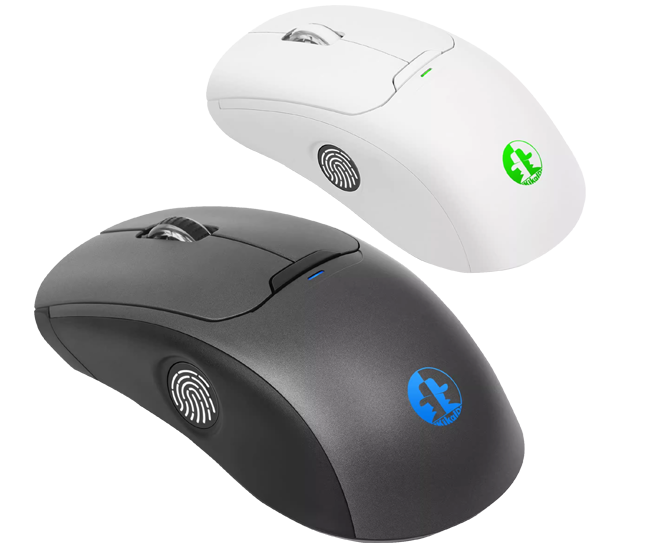


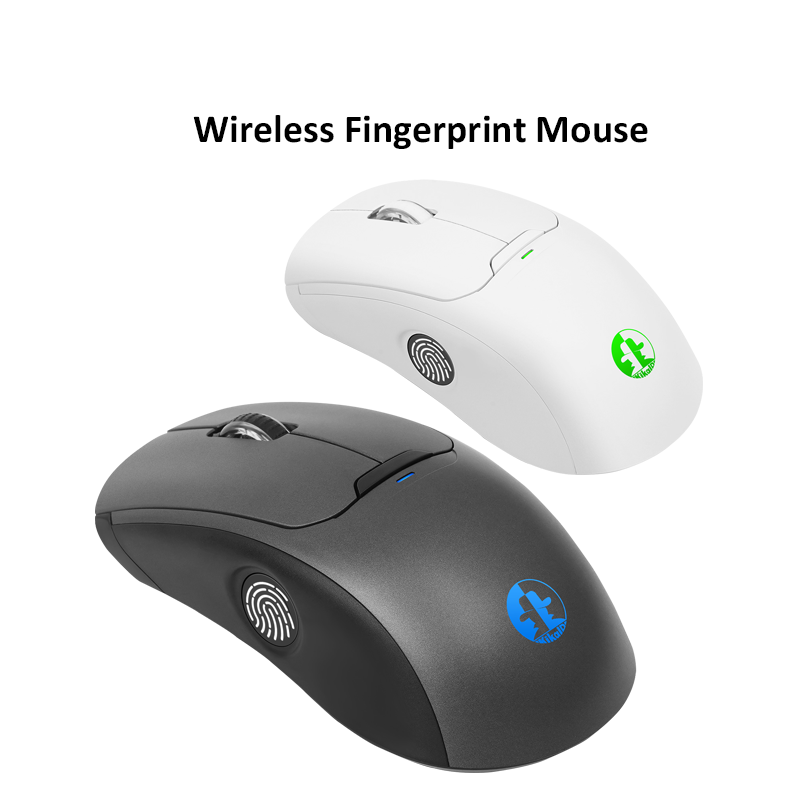
The Wireless Fingerprint Mouse merges standard wireless functionality with a built-in fingerprint sensor. This dual-purpose device goes beyond navigation to offer convenient and secure biometric authentication.
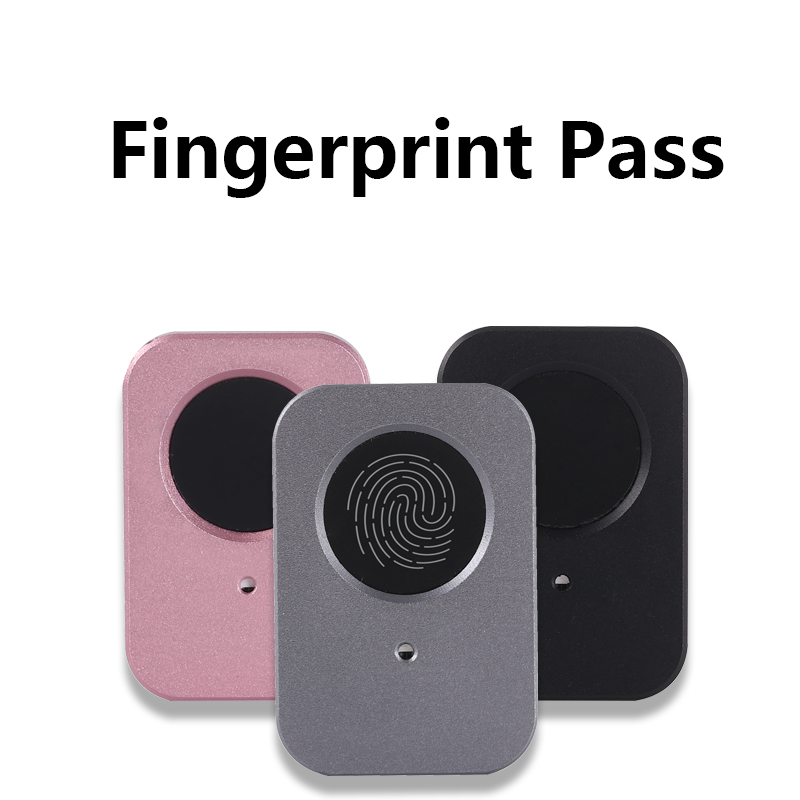
Experience seamless security with this Windows Hello-compatible fingerprint mouse. It remembers up to 800 passwords, so you can log in with just a click. Beyond passwords, it also offers hardware-based file ...
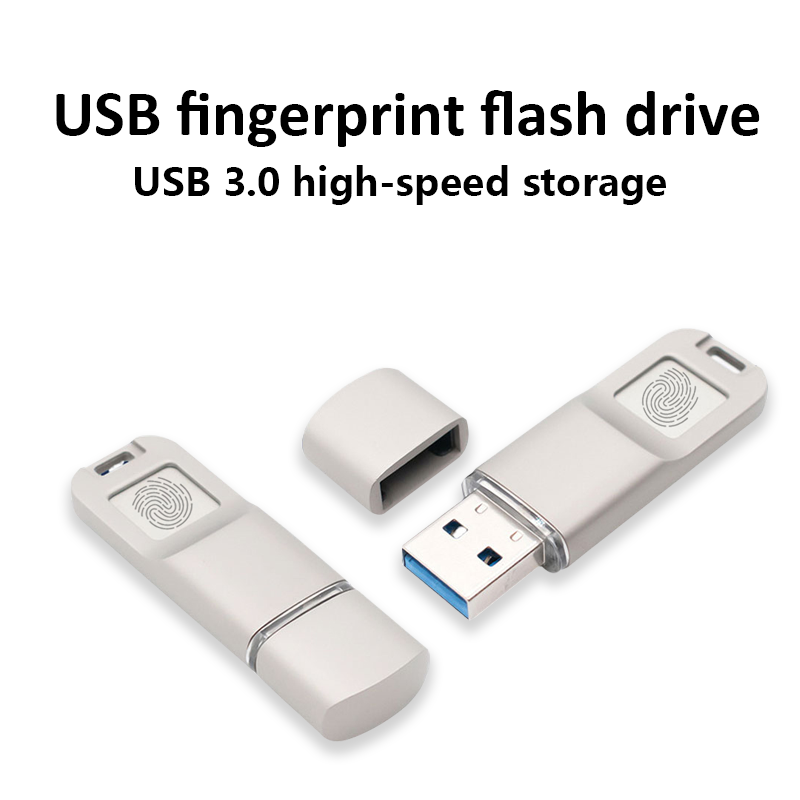
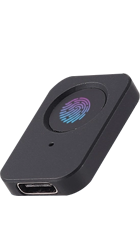
The fingerprint encryption U disk adopts a universal USB3.0 A computer interface design, high-speed FLASH management and storage chip, supporting both national and international encryption algorithms
Our all-in-one fingerprint security solution offers ultimate protection for highly sensitive data. By storing fingerprint credentials and encrypted data directly on the hardware's secure chip, it ensures physical isolation between authentication and data, completely eliminating the risk of exposure.
View MoreWith deep integration of security chips into hardware terminals like USB drives and mice, all cryptographic processes are isolated within a secure enclave. This hardware-based approach eliminates any risk of key extraction or tampering, establishing the highest level of terminal security.
View MoreAccelerate your development with our Security Trust Platform. Its standardized SDKs and APIs allow you to integrate robust fingerprint authentication into your products swiftly. Skip the complexity of building a security system from scratch—implement high-assurance login and verification
View More
Backed by years of expertise in cryptography and IoT development, and supported by multiple patents and softwares,our solutions serve clients in government, finance, education, healthcare, and beyond.

Our products comply with international security standards (such as FIDO2 and ISO/IEC 27001) and are certified by the State Cryptography Administration of China.
Built on deep IoT expertise, our products seamlessly connect across diverse environments—from smart homes and industrial systems to smart offices—providing an end-to-end solution for secure access and device control.

All products are ergonomically designed and optimized with high-precision sensors, achieving millisecond-level recognition speed and a false acceptance rate (FAR) of less than 0.001%, successfully balancing robust security with a seamless user experience.

Wireless/Wired Fingerprint Mouse: Seamlessly integrates identity verification into your daily workflow. Enable one-click login to systems, applications, and websites, eliminating the hassle of password memorization.

We build products grounded in cryptographic research, combining advanced algorithms with biometrics to guarantee bank-level security for fingerprint data at every stage: collection, transmission, and storage.




The Wireless Fingerprint Mouse is an intelligent peripheral that integrates traditional wireless mouse functionality with modern biometric technology. It not only controls the cursor but also serves as a convenient and secure personal authentication device. Its core feature is the built-in fingerprint sensor.

Awards

Customers

China Electronics

Sales
Regarding Kika security products, the questions raised by customers are the most frequent and also the most concerning. What you care about is also what everyone cares about

To Valued Customers:
Thank you for your support of our fingerprint login product! We are writing to inform you about the product's compatibility with Windows Hello Enhanced Sign-in Security (ESS):
On February 10, 2026, Microsoft rolled out the ESS feature for external fingerprint devices to Windows 11 24H2/25H2 via update KB5077181. As this feature involves new security protocols and interface specifications, our fingerprint login product requires targeted technical upgrades and compatibility adaptation. Currently, the product does not support Windows Hello Enhanced Sign-in Security (ESS) temporarily. If you have upgraded to the aforementioned Windows 11 versions and enabled the ESS feature, it may cause our fingerprint login product to malfunction.
1.Current Normal Usage Guidelines
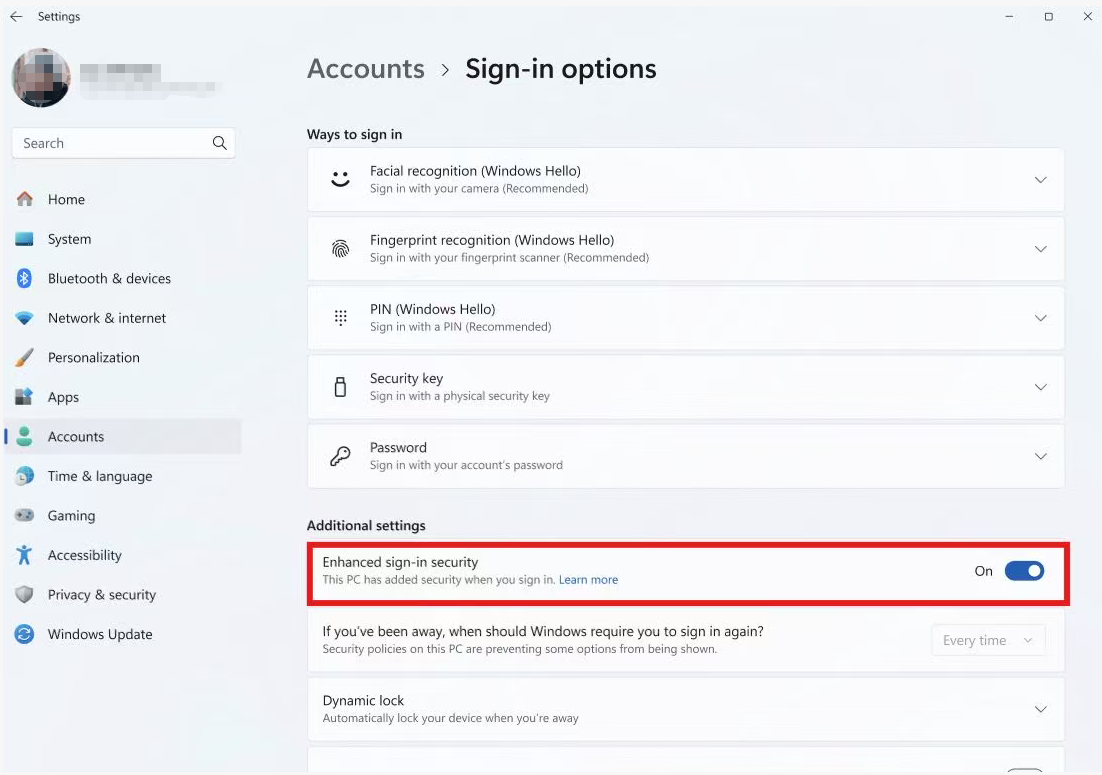
To ensure your seamless experience, we recommend temporarily disabling the ESS feature by following these steps:
a. Open Windows Settings and navigate to Accounts;
b. Select Sign-in options on the Accounts page;
c. Scroll down to the Additional settings section and locate Enhanced sign-in security;
d. Toggle off the switch next to this feature and restart your device. You can then use our fingerprint login product as usual.
As shown in the figure below:
2.Future Upgrade Plan
Our technical team has initiated the adaptation and development work for the ESS feature. We will complete the product upgrade and iteration as soon as possible, and will notify you via official website announcements, product update notifications and other channels promptly upon completion.
If you have any questions during the operation, please contact us via email:
support@ab2cd.com
We sincerely apologize for any inconvenience caused. Thank you again for your understanding and support!
The Kika security fingerprint product adopts a "one device, one key" mechanism: each device independently generates a random master key within the security chip, and this key never leaves the chip. Therefore, even devices from the same batch cannot decrypt files encrypted by other hardware.
Only when users proactively back up their encryption keys and restore them to a new device can they use the new device to decrypt previously encrypted files, fully ensuring data sovereignty and privacy security
Kika security fingerprint products strictly protect user data privacy: all account passwords are stored locally on the device and are never automatically uploaded to any network or backend (except for user-managed backups), offering a level of security that far exceeds conventional software password management solutions.
The main control chip of the product adopts a national cryptographic certification security chip, meeting financial-grade protection standards and effectively resisting physical disassembly and malicious cracking. Additionally, the product fully complies with the SKF interface specifications of the National Cryptography Administration and has passed authoritative security certifications.
Therefore, neither developers nor Kika Security Company can access or obtain users' account and password information, thus eliminating the risk of data leakage from the technical source
The Kika security fingerprint product adopts a dual authentication mechanism of fingerprint or administrator password to ensure that only authorized users can access the resources within the device. Fingerprints are highly unique and difficult to imitate. When using it for the first time, please be sure to change and remember the administrator password for subsequent authentication.
Both verification and data storage are independently completed within a security chip certified by national cryptography standards, effectively resisting external attacks and illegal reading. Even if the device is lost, others cannot access sensitive information such as stored account passwords, fully ensuring your password and data security.
The Kika security fingerprint product provides a convenient and reliable backup mechanism, allowing you to back up the account passwords stored in the device to the computer. When backing up, a high-strength administrator password needs to be set, and the data is encrypted and stored using the KDF algorithm. When restoring, the same password needs to be verified for decryption to ensure data security.
The product master key also supports backup and recovery. If the device is lost or damaged, simply repurchasing the Kika security product will allow for quick recovery of all data
If your system is genuine Windows 10 or above and you only need to use the Windows Hello login feature, there is no need to install additional drivers.
After inserting the Kika security fingerprint product, the device has passed Microsoft's biometric authentication, and the system will automatically download and install the driver when connected to the internet.
In addition to system login, the Kika fingerprint product also supports password management, file encryption, and other security features. To experience the full service, it is recommended to install the KikaID software to enjoy more convenient and comprehensive security protection
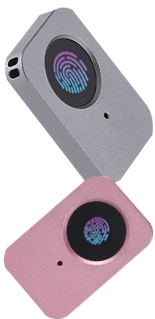
The Kika Security Fingerprint Product is an all-in-one solution that simplifies and strengthens your digital security. It verifies your identity instantly via fingerprint, allowing for one-click OS login and centralized password management.
Beyond access, it offers hardware-level file encryption for private data and USB-Key-level protection for your digital assets. Ideal for finance and professional use, this single device combines Windows login, password management, file encryption, and digital credential security to fully protect your digital life.







The implementation of a large-scale cybersecurity model in the power industry
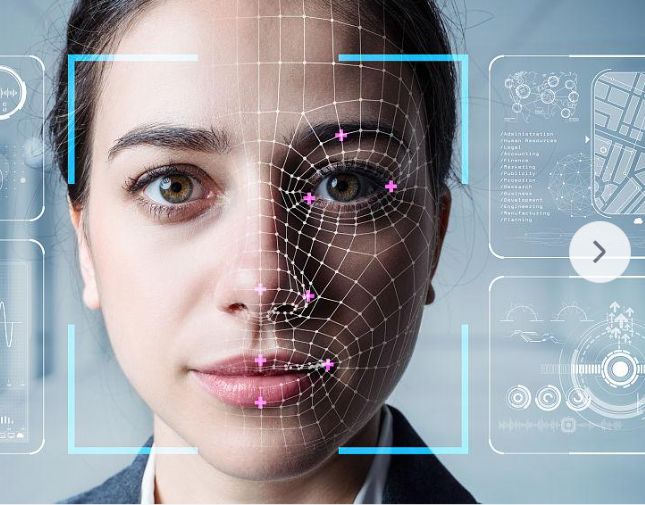
Application of biometric technology in banking: secure authentication through fingerprint and facial recognition?
 KikaID
Shenzhen Kika Security Information Technology Co., Ltd. is a high-tech company at the forefront of information security.